-. www.vim.org 접속
-. "Scripts" -> "Browse all" 클릭
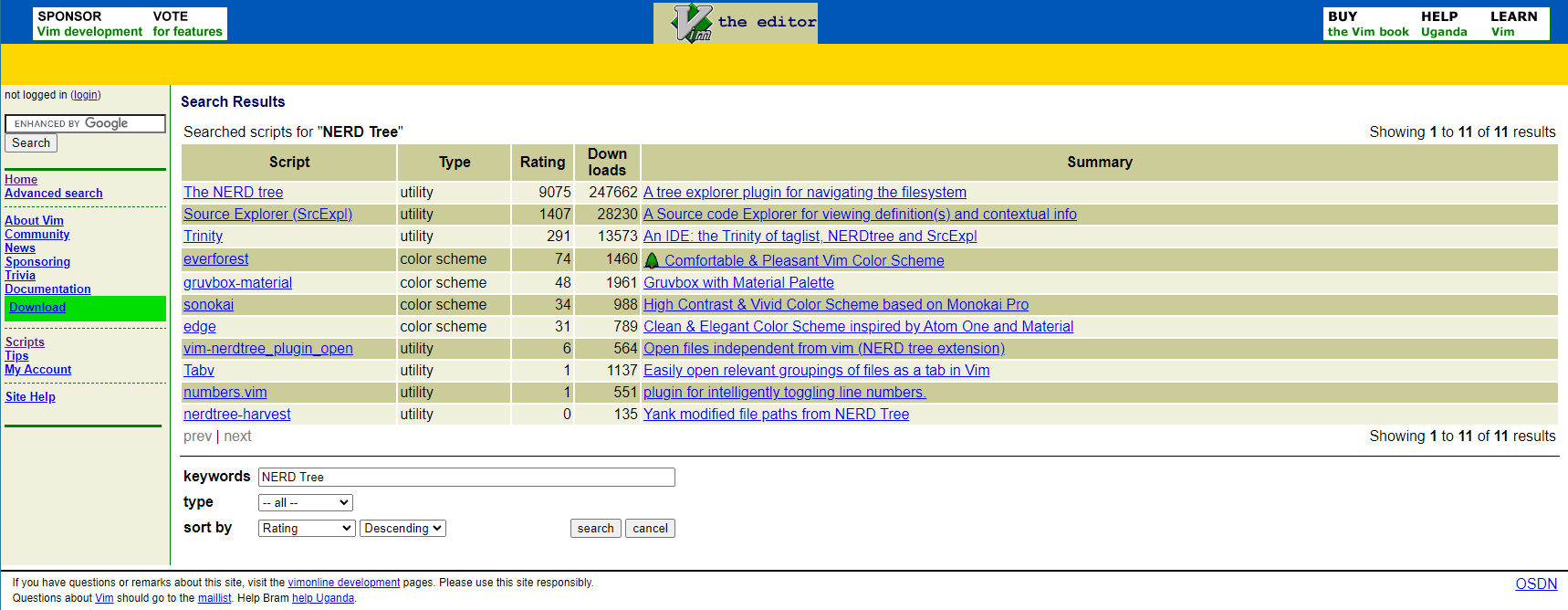
-. 검색창에 "Source Explorer" 검색
-. "Source Explorer(srcexpl.vim)" 다운로드
-. 검색창에 "Nerd Tree" 검색
-. "The NERD tree" 다운로드
-. 검색창에 "Tag List 검색"
-. "taglist.vim" 다운로드
-. 아래 명령어를 입력하여 ~/.vim 디렉토리를 생성하고 다운로드한 플러그인들을 해당 디렉토리에 위치시킨다
cd ~
mkdir .vim
cp Download/SrcExpl-6.0.zip .vim
cp Download/NERD_tree.zip .vim
cp Download/taglist_46.zip .vim
cd .vim
mkdir plugin
unzip SrcExpl-6.0.zip
unzip NERD_tree.zip
unzip taglist_46.zip
-. 아래 링크를 참고해서 .vimrc를 작성한다
.vimrc 설정 파일
아래 스크립트는 NerdTree, SourceExplorer, TagList가 설치되어 있다고 가정하고 작성되었다. 단축키 Nerd Tree On/Off Soruce Explorer On/Off Tag List On/Off 마우스 사용 On/Off ctag 검색 <방향키> 윈도우..
sagik.tistory.com
.
'Linux > vim' 카테고리의 다른 글
| [vim] C언어 #ifdef (0) | 2024.02.03 |
|---|---|
| [vim] mark 설치 (형광펜 기능) (0) | 2024.02.03 |
| vim-highlighter 설치 (0) | 2024.02.03 |
| mkcscope.sh & mkctags.sh (0) | 2024.02.03 |
| .vimrc 설정 파일 (0) | 2024.02.03 |

